
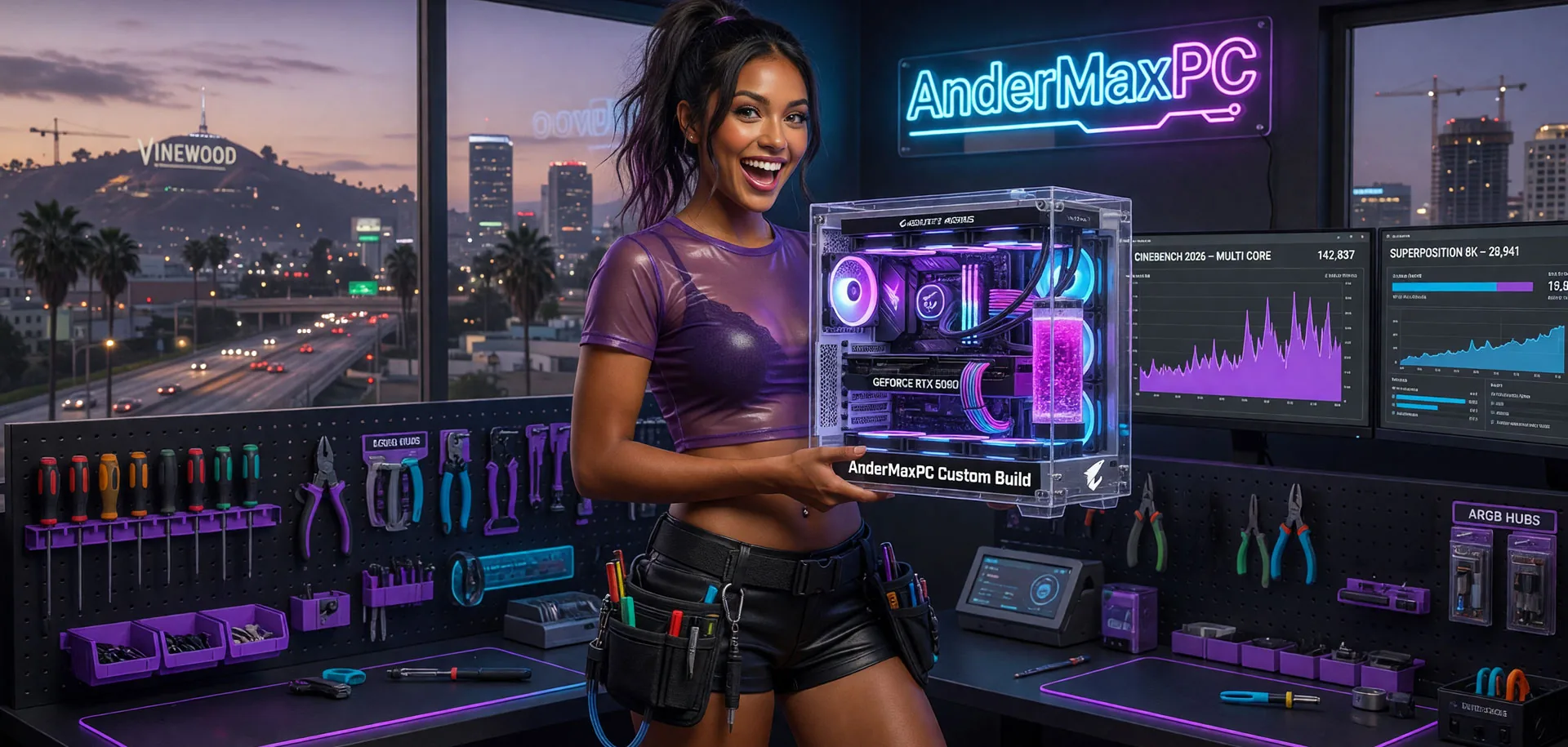
One of the most common questions I get from customers across Ireland is:
"How much should I spend on a gaming PC?"
The honest answer is simple: it depends on what you want to play, your monitor resolution, and how long you expect the system to remain competitive.
I build custom gaming PCs for customers across Ireland and I see the same mistakes over and over again. People overspend on flashy parts, buy prebuilt systems with poor airflow, or end up with unstable memory configurations that leave performance on the table.
This guide explains how I would approach a custom PC build in Ireland in 2026 and where your money is best spent.
Need help choosing the right parts?
Tell me your budget and what you want to play, and I'll help you plan a balanced gaming PC without overspending. Whether you're building your first gaming PC or upgrading an existing system, I'll recommend the right components based on performance, reliability, and value for money.
Get in TouchWhat is a realistic budget for a first gaming PC in Ireland?
A realistic starting budget is around €700–€1,000 for a capable 1080p gaming system. For 1440p high-refresh-rate gaming, most customers in Ireland currently spend between €1,400 and €1,800. The right budget depends on the games you play and the monitor you own.
Is it difficult to build a PC if I've never done it before?
Modern components are more compatible and easier to install than ever. The hardest part is choosing balanced parts that work well together. Many first-time builders can assemble a PC in an afternoon with a good guide. If you would rather not risk it, I build and test every system before delivery.
Should I upgrade my existing PC or build a new one?
If your current system is less than five years old, a strategic upgrade can often deliver excellent value. Replacing the graphics card, adding an NVMe SSD, or moving to 32GB RAM can transform performance without the cost of a full replacement. If the motherboard or power supply is outdated, a new build usually makes more sense.
When is the best time to buy components for a gaming PC?
New GPU and CPU generations typically launch in late summer or early autumn, which can create good deals on previous-generation hardware. However, the best time to buy is when you actually need the PC. Waiting six months for minor price drops often costs more in lost enjoyment than it saves in money.
Budget Tier 1: €700–€1,300
Best for: 1080p gaming, esports titles, and casual AAA gaming.
Typical examples: Counter-Strike 2, Valorant, Fortnite, Apex Legends, GTA V.
At this budget, the graphics card is the most important component. I would rather use a slightly cheaper processor and put more money into the GPU than the other way around.
Typical specification
- CPUAMD Ryzen 5 7500F / 7600X or 5600X / 5800X
- RAM32GB DDR5 or DDR4
- SSD1TB NVMe SSD
- GPURTX 3060 / RTX 4060 / RTX 5060
- PSUQuality 650W power supply
This level offers excellent value and is where many gamers looking for a budget gaming PC in Ireland should start.
Budget Tier 2: €1,400–€1,900
Best for: 1440p gaming, high refresh rate monitors, and long-term ownership.
This is currently the sweet spot for most gamers. You get enough performance for modern titles without entering the diminishing returns territory of high-end systems.
Typical specification
- CPUAMD Ryzen 7 7700 / 9600X / 7800X3D
- RAM32GB DDR5-6000 CL30
- SSD1TB–2TB NVMe SSD
- GPURTX 5060TI 16GB / RTX 5070
- PSUGold-rated power supply
- CaseHigh airflow case
A properly tuned custom gaming PC at this level can remain relevant for many years.
Budget Tier 3: €1,900+
Best for: Enthusiasts, 4K gaming, content creation, and streaming.
This is where customers start looking at premium components. Performance increases, but value per euro begins to drop compared to the mid-range market.
For most people I recommend buying only what they actually need rather than chasing benchmark numbers.
Why Component Selection Matters
Many prebuilt PCs look impressive on paper. Unfortunately, the specification sheet often doesn't tell the whole story.
I regularly see systems with:
- Slow memory configurations
- Poor airflow
- Low-quality power supplies
- Inadequate cooling
- Incorrect BIOS settings
Two computers with the same processor and graphics card can perform very differently depending on how they are configured. If your system is not performing as it should, my PC health check and diagnostics service can identify the root cause.
Poor airflow and inadequate cooling are among the most common culprits. If your graphics card is overheating or thermal throttling, my GPU thermal service and repair can restore temperatures and recover lost performance.
Why BIOS Tuning Matters
This is one area that is often completely ignored.
Modern AMD platforms can gain measurable improvements through proper BIOS configuration. This includes:
- EXPO memory profiles
- Memory timing optimisation
- Curve Optimizer tuning
- Power and thermal adjustments
- Stability validation
The goal is not simply higher benchmark numbers. The goal is a system that feels responsive, runs cooler, and remains stable during long gaming sessions.
Why I Recommend 32GB RAM
For new gaming builds in 2026, I generally recommend 32GB DDR5. Many games can still run on 16GB, but memory requirements continue to increase.
A properly configured 32GB DDR5 kit gives more headroom and helps future-proof the system. For AMD platforms, DDR5-6000 is currently one of the best balance points between performance and stability.
How I Test Every Build
Every PC I build is treated as if it were my own.
Before delivery, I test:
- CPU stability
- Memory stability
- SSD health
- Cooling performance
- Gaming performance
- Operating temperatures
I would rather spend extra time testing a system than have a customer experience problems later.
Custom Build vs Prebuilt
Better value
You pay for components rather than marketing.
Better cooling
Airflow and temperatures are planned from the start.
Better upgrade options
Future upgrades are easier and more cost-effective.
Better support
You know exactly who built the machine and can contact them directly.
Frequently Asked Questions
Is it cheaper to build a gaming PC than buy a prebuilt?
In many cases, yes. A custom build often provides better parts and better overall quality for the same budget.
How much should I spend on a gaming PC?
For most gamers in Ireland, €1,000–€1,500 currently offers the best balance of performance and value.
Can I upgrade my existing PC instead?
Often yes. A PC upgrade with a new CPU, GPU, SSD, or memory can sometimes provide excellent results without replacing the entire system.
Do you deliver across Ireland?
Yes. Collection, delivery, and on-site services are available depending on location.
Need Help Choosing the Right PC?
Every customer has different requirements. Some want maximum FPS. Some want a quiet workstation. Some want the best possible value. If you're unsure what to buy, get in touch and I'll help you choose the right parts and build for your budget.
Get a custom quoteAnderMaxPC – Custom Gaming PCs, Upgrades, Diagnostics and Repairs Across Ireland.