
A Well-Built Business Laptop That Simply Needed Some Care.
The Dell Latitude 7420 is one of those brilliantly built business laptops that can easily provide many years of reliable service. When this particular machine arrived at the AnderMaxPC workshop, it was in excellent cosmetic condition. However, the owner had noticed it was getting unusually warm, and the cooling fan was becoming noticeably loud during everyday use. After opening the laptop, the culprit was obvious. The original factory thermal paste had completely dried out over time. Instead of transferring heat efficiently, it had hardened into a crust, making it incredibly difficult for the cooling system to keep the processor at its proper operating temperature. Fortunately, this is a very common issue with business laptops that have never been serviced.
What Was Done?
The laptop was fully disassembled to access the cooling system safely. We carefully removed the old thermal paste from the processor, thoroughly cleaned the heatsink, and applied a fresh layer of premium thermal compound. Whilst the laptop was open, the entire cooling system was cleaned out to remove accumulated dust and ensure unrestricted airflow.
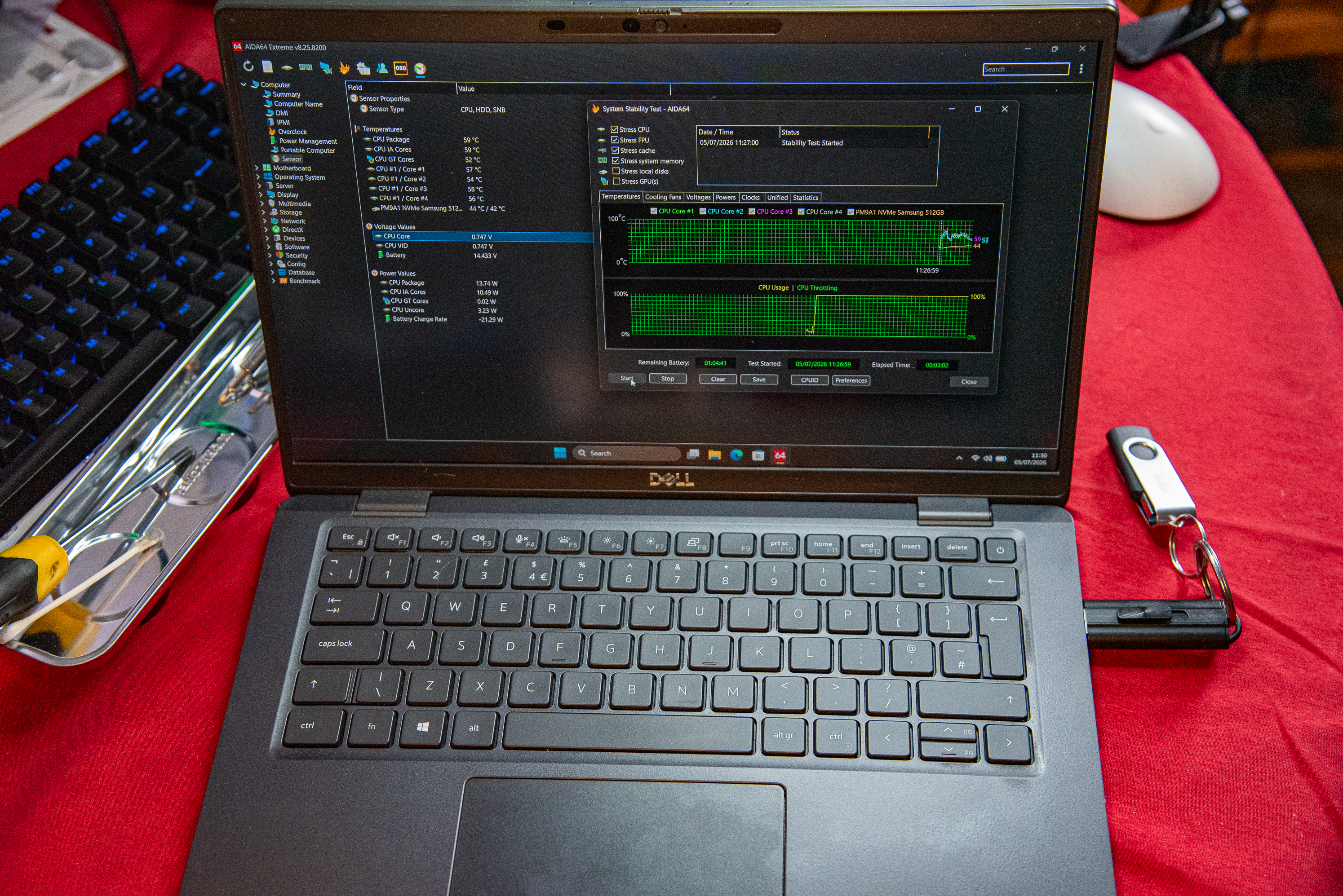
With the hardware sorted, we moved on to the software. A clean installation of Windows 11 Pro was completed, followed by the latest Dell drivers and system updates. Finally, the operating system was given the signature AnderMaxPC optimisation treatment—stripping out unnecessary background services and telemetry to provide a fast, stable, and responsive user experience. Before returning the laptop, it underwent rigorous hardware checks and stress testing to confirm that cooling performance had been fully restored and thermal throttling was a thing of the past.
What Improvements Can Be Expected?
Following the service, the laptop now runs significantly cooler, quieter, and more efficiently. Typical improvements after this type of deep maintenance include:
- Lower CPU temperatures
- Significantly reduced fan noise
- Improved system responsiveness
- Better long-term hardware reliability
- Stable performance under sustained workloads
- Faster Windows startup and smoother everyday use
Frequently Asked Questions:
Why does a laptop start overheating after a few years? In many cases, the cooling fan and heatsink are still working exactly as they should. The problem is that the original thermal paste gradually dries out and loses its ability to transfer heat efficiently from the processor to the cooling system.
Does replacing thermal paste really make a difference? Absolutely. On laptops that have never been serviced, replacing old, hardened thermal paste with a premium compound can drastically improve cooling performance, eliminate thermal throttling, and stop the fan from spinning at maximum speed all the time.
Is a full Windows reinstallation always necessary? Not always. If the existing installation is healthy and responsive, there is often no need to reinstall Windows. However, when a laptop has accumulated years of unnecessary software, outdated drivers, or deep-rooted performance issues, a clean installation combined with proper manual optimisation is often the smartest solution.
How often should a laptop be serviced? For most users, a professional internal cleaning and thermal paste replacement every two to four years helps maintain reliable cooling and significantly extends the lifespan of the machine.
Final Result.
This Dell Latitude 7420 left the workshop in pristine working order, complete with a clean, fully updated installation of Windows 11 Pro, restored cooling performance, and stable operating temperatures. Regular preventative maintenance is one of the simplest, most cost-effective ways to extend the life of a quality business laptop and keep it performing at its absolute best for years to come.